

Hexo搭建博客教程(五)页面配置
本教程参考安知鱼的主题,详见 文档 | anzhiyu
页面加载动画

修改根目录下 _config.anzhiyu.yml 的 Loading Animation
# Loading Animation (加载动画)preloader: enable: true # source # 1. fullpage-loading # 2. pace (progress bar) # else all source: 3 # pace theme (see https://codebyzach.github.io/pace/) pace_css_url: avatar: https://f.pz.al/pzal/2023/08/28/9abb2f3a51d2f.png # 自定义头像标签页面
博客根目录下打开 vscode,运行
hexo new page tags打开 source/tags/index.md 进行修改
---title: tagsdate: 2023-08-30 21:34:01type: "tags"comments: falsetop_img: false---分类页面
博客根目录下打开 vscode,运行
hexo new page categories打开 source/categories/index.md 进行修改
---title: 分类date: 2023-08-30 21:34:01aside: falsetop_img: falsetype: "categories"---404 页面
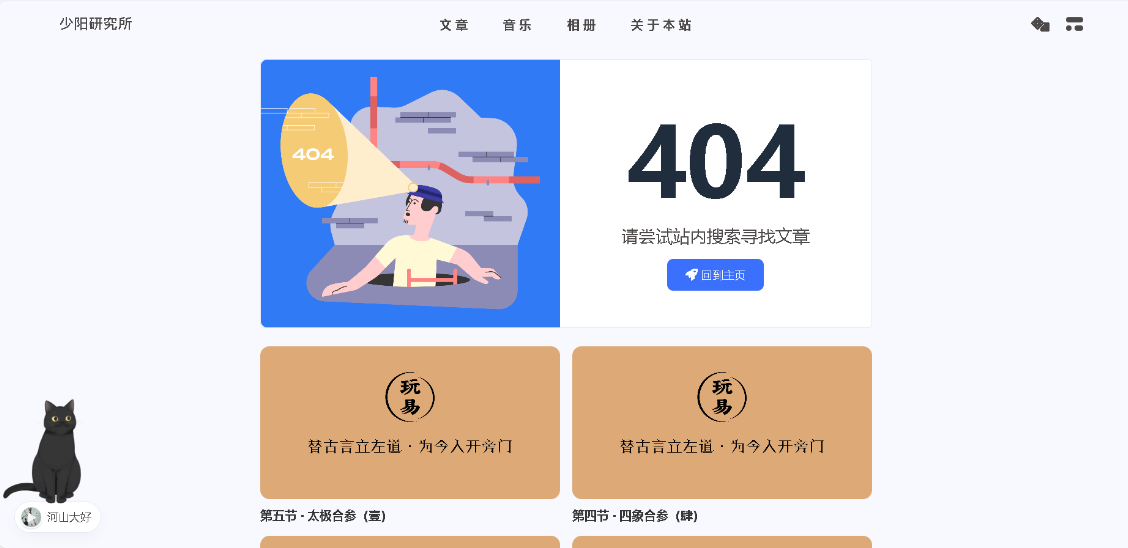
修改根目录下 _config.anzhiyu.yml 的 A simple 404 page
# A simple 404 pageerror_404: enable: true subtitle: "请尝试站内搜索寻找文章" background: https://i.loli.net/2020/05/19/aKOcLiyPl2JQdFD.png网站图标

修改根目录下 _config.anzhiyu.yml 的 Favicon
# Favicon(网站图标)favicon: https://f.pz.al/pzal/2023/08/30/c10d4b161a5bd.png图标适配
此设置参考 让你的网站适配Safari书签页和iOS桌面图标教程 | 张洪Heo (zhheo.com)
修改根目录下 _config.anzhiyu.yml 的 inject
inject: head: # 自定义css - <link rel="apple-touch-icon" href="https://f.pz.al/pzal/2023/08/30/cb8dc750b7ac9.png"> - <meta name="apple-mobile-web-app-title" content="ZAYCK"> - <link rel="bookmark" href="https://f.pz.al/pzal/2023/08/30/cb8dc750b7ac9.png"> - <link rel="apple-touch-icon-precomposed" sizes="180x180" href="https://f.pz.al/pzal/2023/08/30/cb8dc750b7ac9.png" >文章页面
meta 显示
meta:显示文章的相关信息。
修改根目录下 _config.anzhiyu.yml 的 post_meta
post_meta: page: # Home Page date_type: created # created or updated or both 主页文章日期是创建日或者更新日或都显示 date_format: simple # date/relative/simple 显示日期还是相对日期 或者 简单日期 categories: true # true or false 主页是否显示分类 tags: true # true or false 主页是否显示标籤 label: false # true or false 显示描述性文字 post: date_type: both # created or updated or both 文章页日期是创建日或者更新日或都显示 date_format: date # date/relative 显示日期还是相对日期 categories: true # true or false 文章页是否显示分类 tags: true # true or false 文章页是否显示标籤 label: true # true or false 显示描述性文字 unread: true # true or false 文章未读功能发表地址
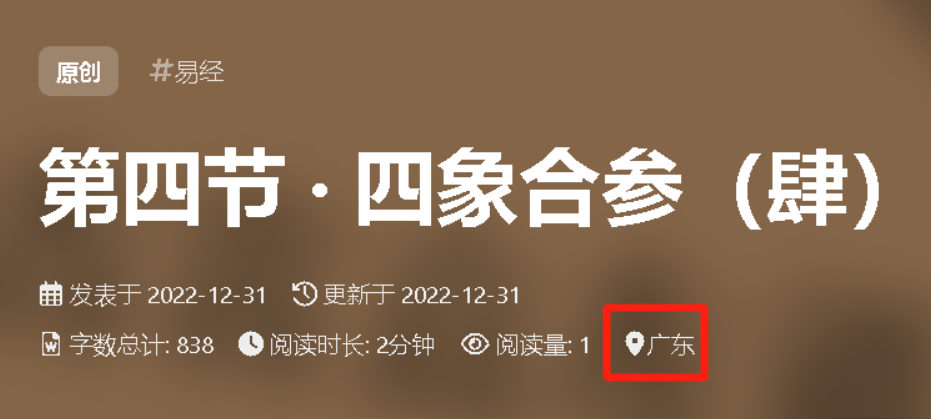
修改根目录下 _config.anzhiyu.yml 的 post_copyright
post_copyright: enable: true decode: false author_href: location: 广东目录显示
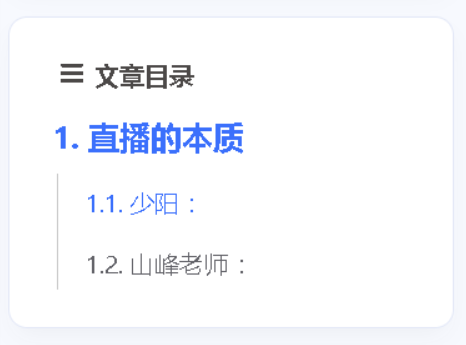
修改根目录下 _config.anzhiyu.yml 的 toc
toc: post: true page: true number: true expand: false style_simple: false # for post文章打赏

修改根目录下 _config.anzhiyu.yml 的 reward
reward: enable: true QR_code: - img: https://f.pz.al/pzal/2022/12/30/55ef7bd237230.jpg link: text: wechat - img: https://f.pz.al/pzal/2022/12/30/4891f05f08867.jpg link: text: alipay Thanks for reading!